
An AI generated estimate is only as good as the photos it's built from. The model can identify what's in a photo, but it can't identify what was never photographed, and it can't always tell that the sofa in photo four is the same sofa already counted in photo two. Both of those failure points are avoidable with a bit of technique, and neither requires special equipment. This guide walks through how to photograph a home so the resulting estimate needs the least correction, whether the person behind the camera is the customer or a member of the moving company's own staff doing an onsite survey.
The One Rule That Matters Most: One Sweep Per Room, Not a Scattershot
The single biggest source of estimate errors isn't a missed item. It's the same item appearing to be two items because it was photographed twice from different angles without an obvious way to tell it's the same object.
This is a real, well documented problem in computer vision, not something specific to moving estimates. Matching the same physical object across two separate images taken from different viewpoints is a distinct task called object re-identification, and it's considered one of the harder problems in the field precisely because an object's appearance changes with angle, distance, and lighting. Systems designed for this, in security and retail settings, rely on deliberate camera placement and consistent fields of view to do it reliably. A homeowner walking through their living room with a phone doesn't have that structure by default, which is exactly why technique matters here.
The fix is simple: treat each room as one continuous pass, not a series of separate attempts. Stand near the entrance to the room, rotate slowly, and capture each wall or zone once in a logical order, left to right or clockwise. Don't leave the room and come back to photograph it again from a different starting point. If you do need a second photo of something in the room, such as a closer shot of a specific item, take it immediately after the wide shot of that area, so the two photos are clearly sequential rather than scattered through the set.
Why a Systematic Room-by-Room Order Helps More Than It Seems
Insurance companies have been giving this exact advice for home content estimates for years, for a related but different reason: so nothing gets missed and everything can be found later. State Farm's guidance recommends picking one area at a time and working through it methodically, and the California Department of Insurance's home estimate guide recommends the same room by room approach, rather than photographing whatever catches your eye first.
For an AI estimate, that same discipline solves two problems at once. It reduces the chance of doubling back into a space you already covered, and it gives the model (and the human reviewing its output) a clear, logical grouping to check against. A jumbled set of forty photos taken in no particular order is far harder to review for accuracy than forty photos that clearly move room by room in one direction.
A simple order that works for most homes: entryway, then each room on the main floor, then upstairs, then basement, then garage, then any outdoor storage. Keep the same order every time if your company standardizes this across multiple properties.
What to Do With Spaces That Are Easy to Undercount
Certain spaces cause more missed and duplicated items than others, and they're predictable.
Closets and cabinets.
A closed closet photographs as a door, not as its contents. Insurance industry guidance on home estimates is consistent on this point: open closet doors and drawers before photographing, so what's actually inside is visible rather than assumed. The same applies to kitchen cabinets and any built in storage.
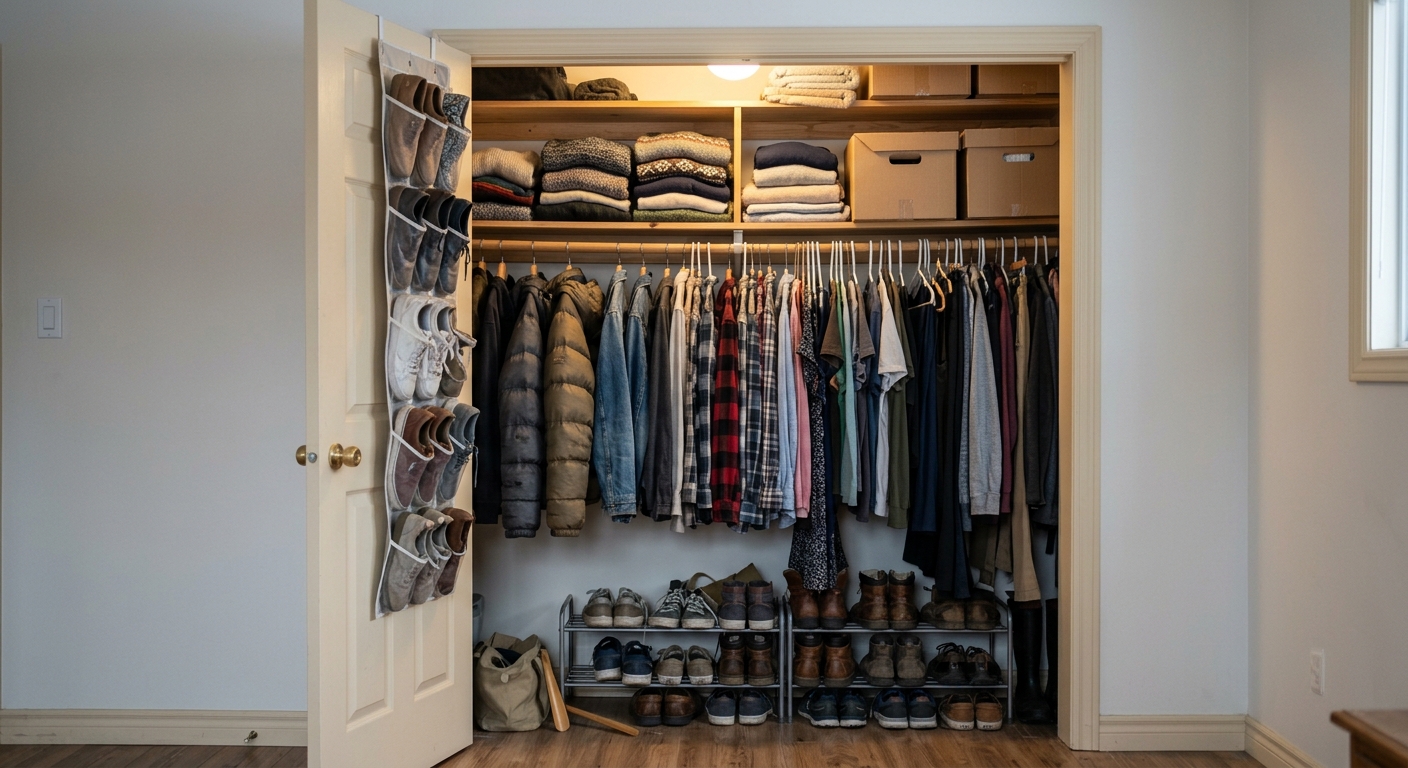
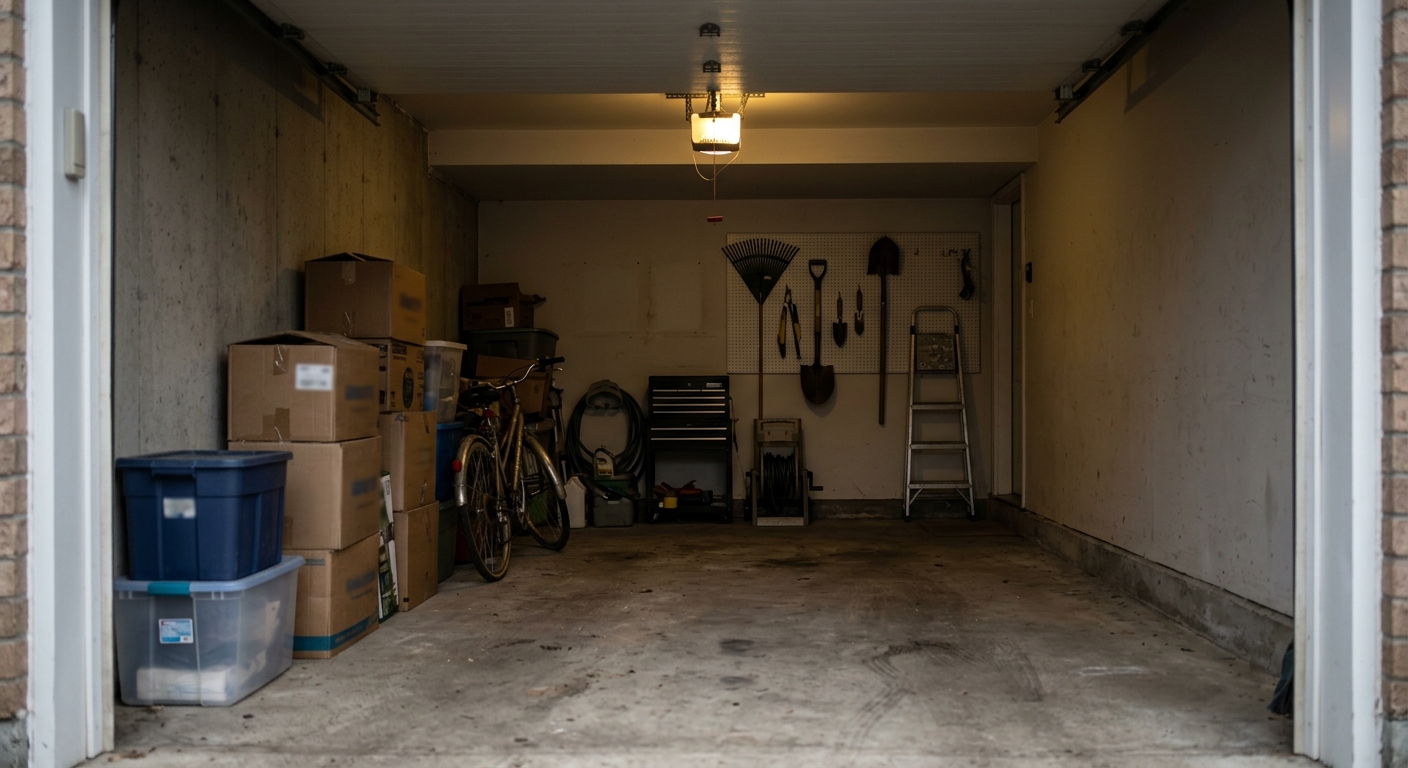
Garages, basements, and storage rooms.
These are the spaces most often under photographed because they're cluttered and unglamorous. They're also disproportionately responsible for weight and volume being underestimated on moving day, since a garage can easily hold as much as a bedroom. Give these spaces the same one sweep per zone treatment as any other room, even if it takes more photos to do it properly.
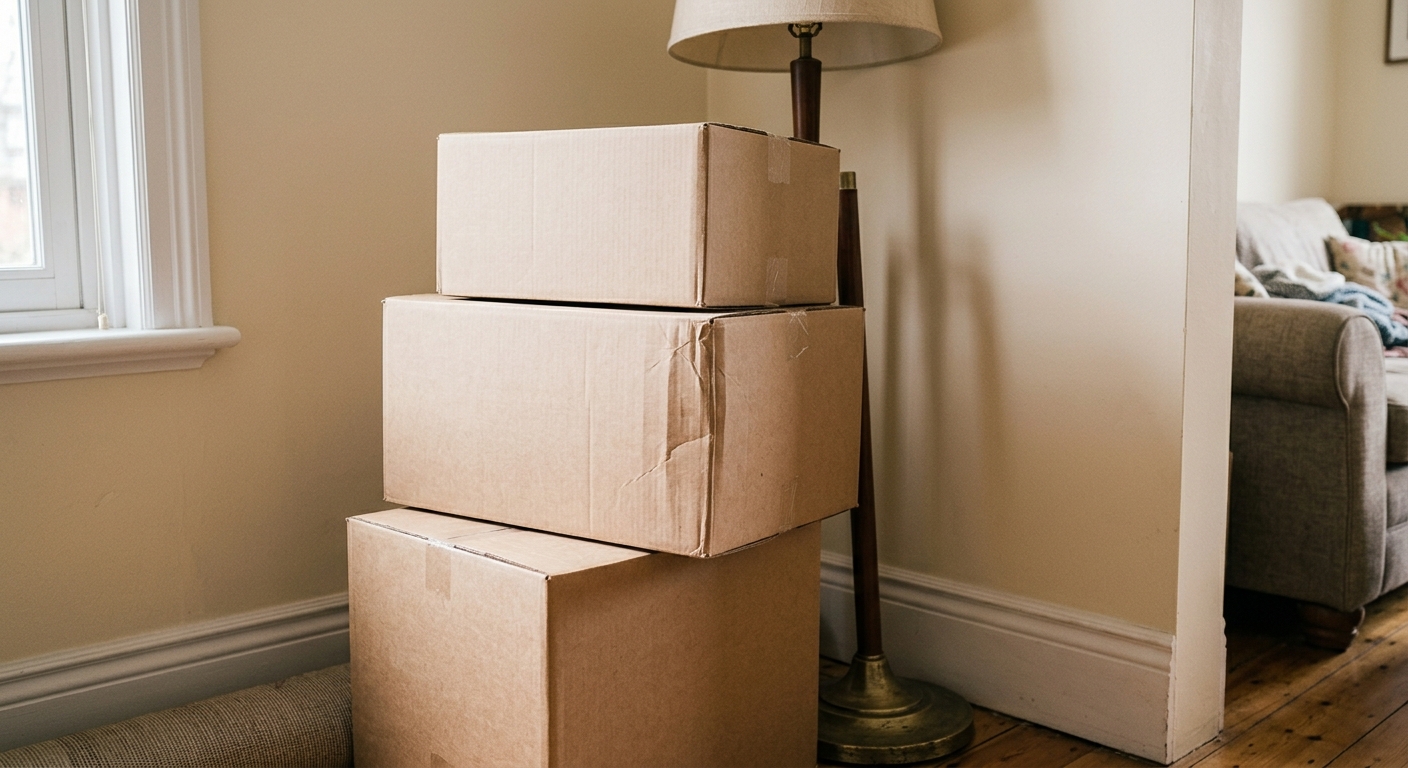
Stacked or hidden items.
If a box is sitting in front of another box, or a lamp is tucked behind a chair, don't try to capture both in one clever wide angle. Take the wide shot for context, then move or photograph around the obstruction so the hidden item gets its own clear frame. An item the camera never saw clearly can't be counted correctly, regardless of how good the model is.
Large or specialty items.
A piano, a large sectional, an antique cabinet, or anything unusually heavy or fragile should get its own dedicated photo in addition to appearing in the room's general sweep. These are the items most likely to need a human's judgment call rather than an automatic count, so give the reviewer a clean, close, well lit shot to work from.
Basic Photo Quality Habits
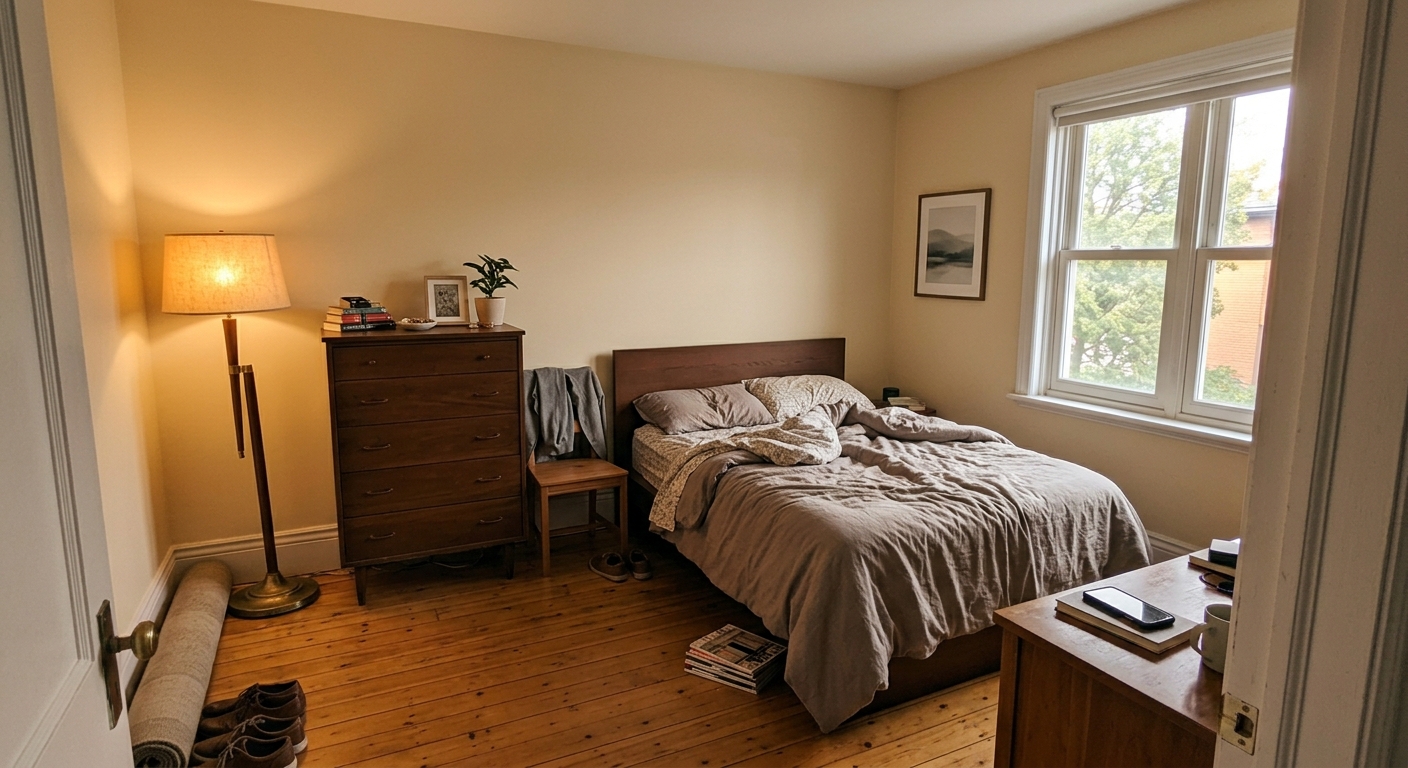
None of this requires a good camera, but a few habits make a measurable difference:
- Turn the lights on, even during the day. Mixed or dim lighting makes it harder to distinguish where one item ends and another begins.
- Avoid shooting directly into a window. A bright window behind the subject darkens everything in front of it.
- Get close enough that individual items are identifiable, not so far away that a bookshelf full of books reads as a gray blur. A good rule of thumb: if you can't tell what an object is by looking at the photo on your own phone screen, the model won't be able to either.
- Hold the phone steady. A blurry photo is functionally the same as no photo for an item that only appears in that one frame.
- When size is ambiguous, include something for scale, the same technique insurance photography guides recommend for valuing an item. A coffee table next to a normal sized chair is easy to judge. A single close up of an oddly shaped item with nothing else in frame is not.
If Staff, Not the Customer, Is Taking the Photos
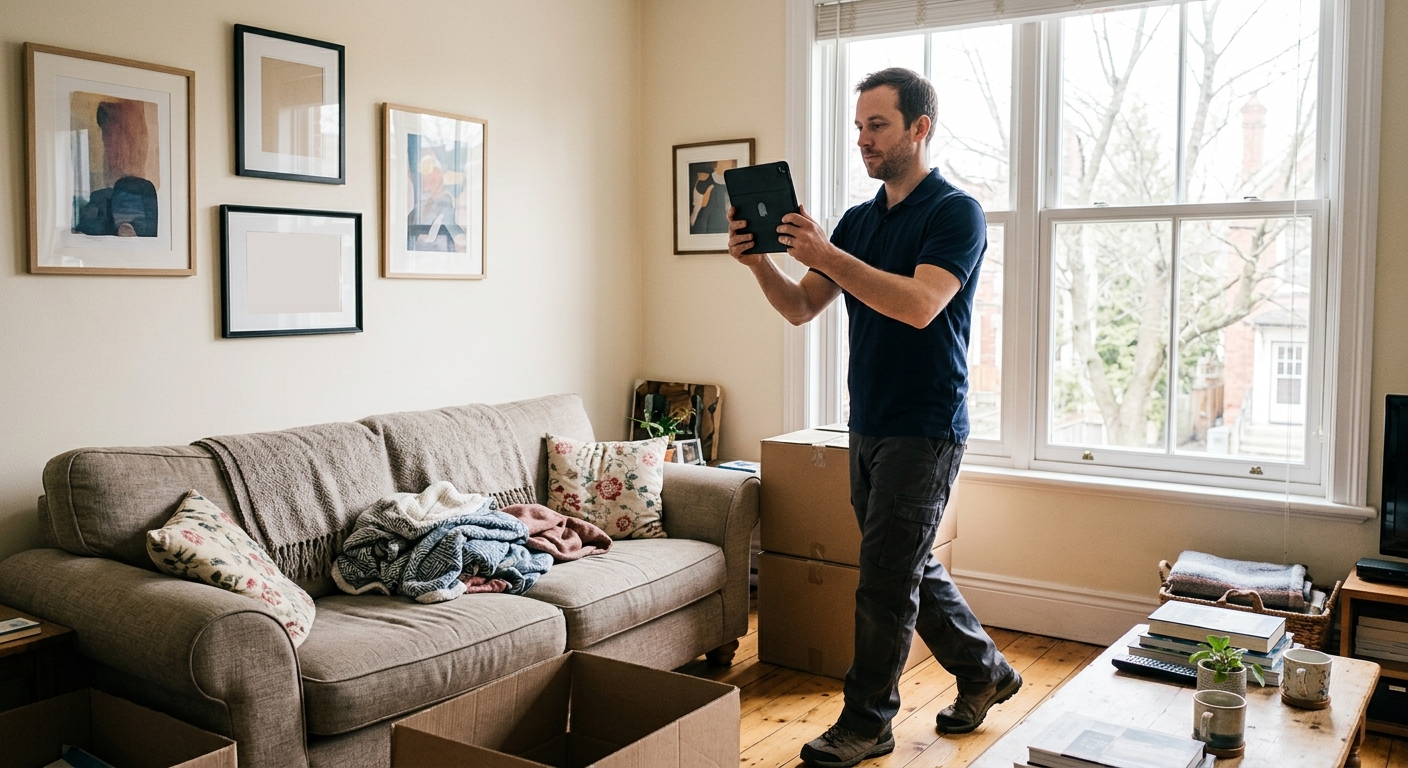
Everything above applies the same way whether the customer is uploading their own photos or a member of the moving company's team is doing an onsite visual survey with a phone or tablet. The one addition worth making for staff: use a fixed, repeatable route through every home, not just a fixed route within each room.
A moving company with more than one person conducting surveys has a consistency problem that a script solves cheaper than training does. If every estimator uses the same starting point (usually the front entrance) and the same room order every time, two different staff members surveying two different homes produce estimates that are structured the same way, which makes both the AI's job and the reviewer's job easier, and makes it far simpler to spot when a room was skipped entirely.
Quick Reference Checklist
- Photograph one room at a time, in one continuous sweep, without retracing your steps
- Use the same room order every time: entry, main floor, upstairs, basement, garage, outdoor storage
- Open every closet, cabinet, and drawer before photographing that area
- Give hidden or stacked items their own unobstructed photo
- Give large or specialty items a dedicated close up in addition to the room's wide shot
- Turn on the lights, keep the phone steady, and avoid shooting into windows
- Include a familiar object for scale when an item's size is hard to judge from the photo alone
The Takeaway
An AI model can only work with what it's shown, as clearly as it's shown it. The gap between a messy photo set and a clean one isn't effort, it's a handful of habits: one sweep per room, opening what's closed, and giving hard to judge items their own clear frame. Get those right and the estimate that comes back needs far less correction, whichever side of the camera is doing the work.
MoversAssist is built around this same logic in two ways. Photos aren't the only path in: the Inventory Builder lets your team, or the customer, build a manual estimate manifest whenever photos aren't an option or a job needs more detail than a photo set can give. And when photos are used, the Duplicates Review feature flags likely repeat items so your staff can confirm or merge them before a quote goes out, catching exactly the kind of double count this guide is written to prevent in the first place. If you want to see it on a real job, you can request a demo.
Sources
- State Farm, "Home Estimate: How To Create One," on working through a home methodically, one area at a time: statefarm.com
- California Department of Insurance, Home Estimate Guide, on room by room photo documentation practices: insurance.ca.gov
- Insurance Hotline, "Making a Home Estimate List for Insurance," on opening closets and drawers and using scale references when photographing belongings: insurancehotline.com
- Ultralytics, "What is Object Re-identification (Re-ID)?" on the general computer vision challenge of matching the same object across different views: ultralytics.com
- "Visual and Object Geo-localization: A Comprehensive Survey" (arXiv), on the technical difficulty of merging repeated detections of the same object across multiple images: arxiv.org